
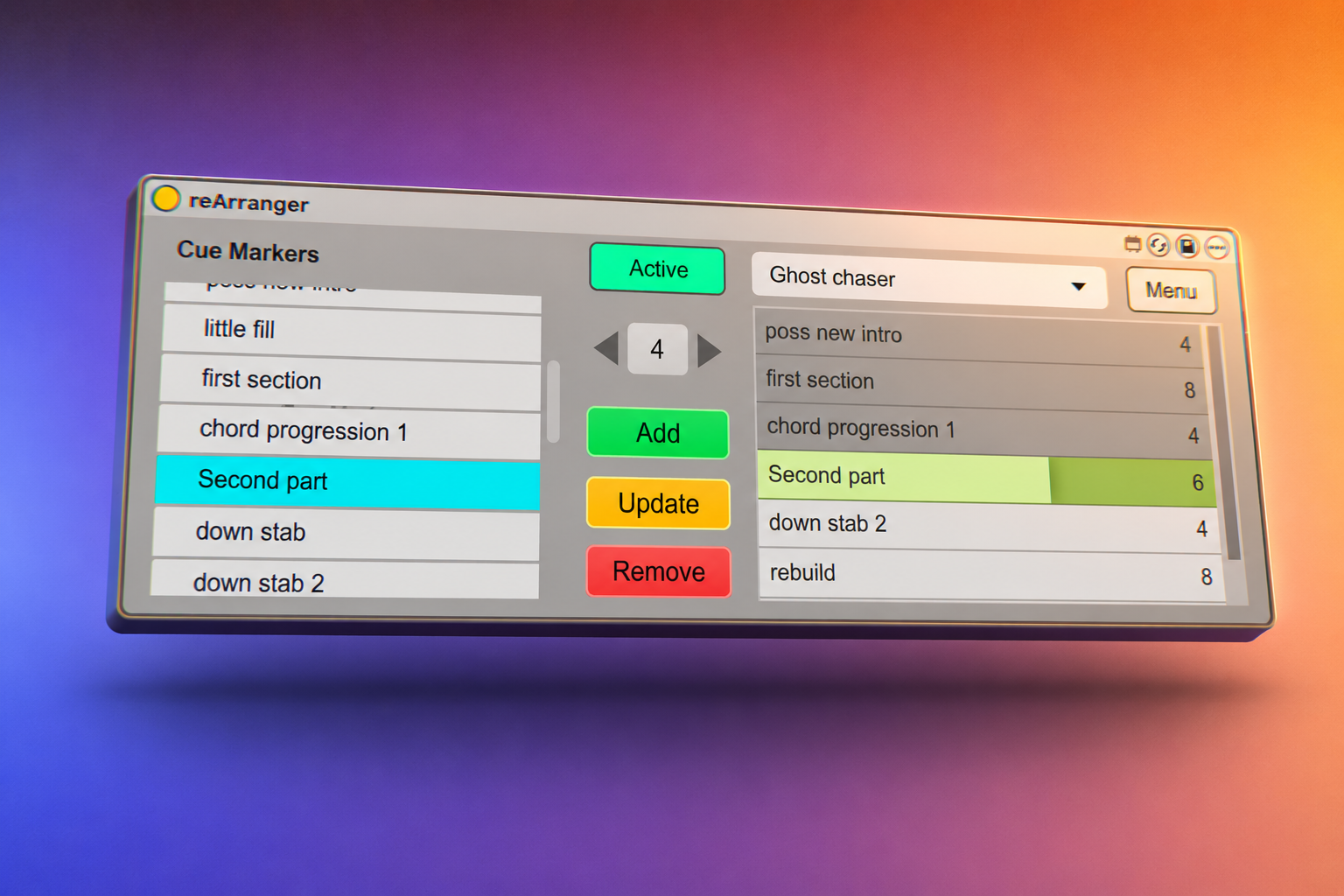
A great easy way to finish your songs by trying out different arrangements easily, I’ve been developing this over the last three years – try the free song arranging Ableton device then check out all the features in Version 1.2
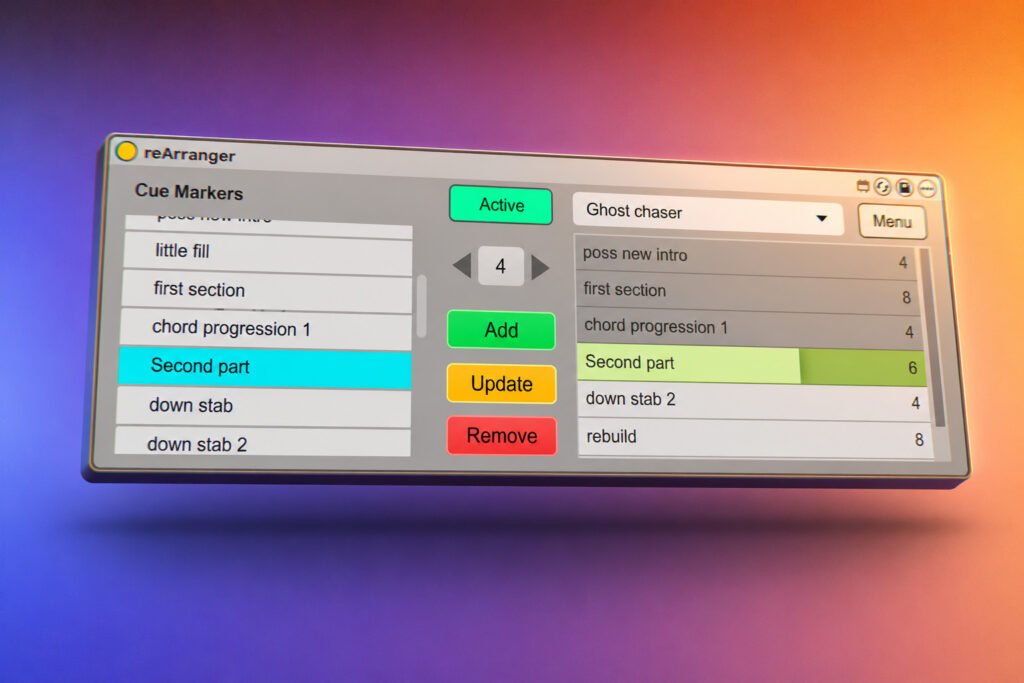
Stuck finishing your song? Do you have great sections but can’t decide how best to arrange them. All those great loops, builds and drops … perhaps you are wondering if you should insert a longer middle section, or is the whole thing too long, or too short? It can be tricky to cut, copy and paste sections of an arrangement just to try these ideas out. What is the best intro? Should it have a 16 bar riser or an 8 bar one? What is the best middle section? We can get paralysed by choice, and copy and pasting big sections of your arrangement gets all messed up, we get confused!
Well, here’s the solution. The reArranger allows you to create sections of your song and play them in any order, non destructively – until you find the perfect arrangement. Additionally you can have multiple arrangements so you can try a “short” version, a “long” version and a “experimental” version of the same song in the same Live set.
REQUIREMENTS
You will need Live 12, either Live Suite, or Live 12 Standard with the Max For Live add-on.
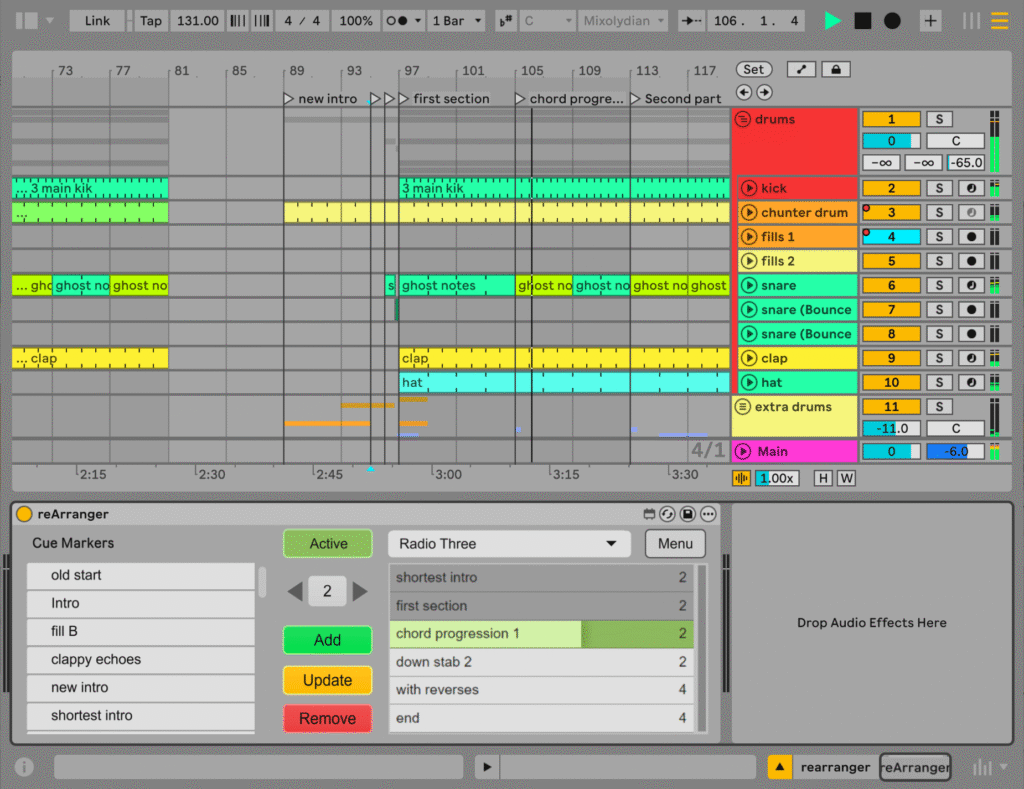
Features
- Create dynamic Ableton Live Arrangements
- Make playlists of cue markers and play them back in order
- Drag and drop re-arranging of Ableton Arrangement sections
- Multiple Playlists so you can try out different arrangements
- “COMMIT” a playlist to a new set whenever you want (v1.2)
- Playlists are saved with each song and can be exported, backed up and more
- Floating window version for ease of use (V1.2)
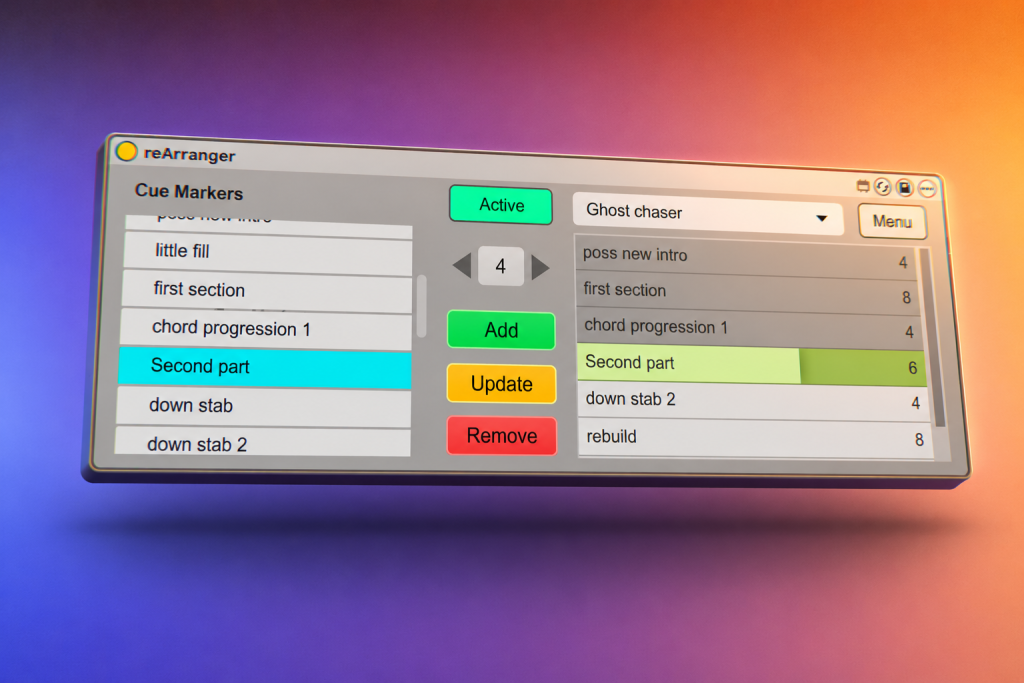
or try the Free Lite Version
FAQ
Can reArranger export or “print” playlists to the arrangement?
Yes, in the full version of reArranger 1.2 you can press the “Commit” button and the reArranger will take your drag-and-drop re-arrangement of your live song and create a new ableton live set with the chosen arrangement as its basis. Exported or Committed arrangment playlists are saved as the name of the song combined with the name of the playlist. When you open the new song it will be your reArranged song, in the order you created.